
What actually happens
Someone taps Call on your Maps listing or search result. Your public number rings. If you don’t pick up, the call is forwarded to the Twilio number included in your plan and the receptionist answers in your shop name.
Lead sources
Live todayMost of your calls start on a map listing, a search result, or the number on the truck. You can leave all of them as they are. Forward the line once, and Right On Call answers whatever you miss from every one of them.
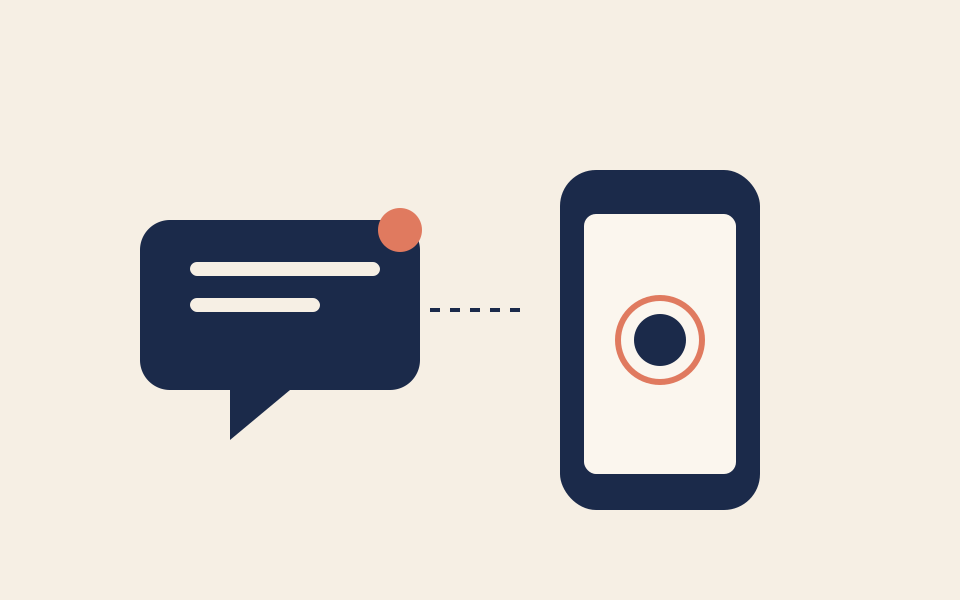
Someone taps Call on your Maps listing or search result. Your public number rings. If you don’t pick up, the call is forwarded to the Twilio number included in your plan and the receptionist answers in your shop name.
Your profile itself. Categories, hours, photos, posts, Q&A, and reviews stay in Google. Right On Call has no Google Business Profile connection, so nothing about the listing changes when you sign up.
If you give us your Google review link, a customer with a booked visit gets one text the day after the appointment window ends, linking straight to that page. It is off until you set the link. It goes to every eligible customer, not a filtered few, and at most once per number every 90 days.
Your phone rings first if you keep your own number in front. When you are with a customer, the receptionist takes the call.
The listing shows your hours, but people still call outside them. The receptionist answers, books the next real slot, or texts your on-call number for an urgent job. Your hours rules are yours to set.
There is no Google sign-in. Setup is the phone change plus an optional link.
Keep the primary number on your Google Business Profile as it is.
Forward missed calls to the Twilio number included in your plan, publish that number, or port your number onto it.
Give us your Google review link if you want the day-after review text. Leave it out and nothing is sent.
No. We never sign into Google. The listing already shows your phone number.
If a caller asks whether they are talking to a person, a robot, or an AI, it says it is an AI assistant. The greeting can also say so up front, and carries a recording notice when you turn that on.
Forward the new number the same way. Nothing in Right On Call is tied to Google’s copy of it.