
Skip to content
All integrations

Lead sources

Live today

Google already charged you for the ring. Answer it.

Local Services Ads put a call on your line and bill you when the homeowner stays connected. From 1 October 2026, unanswered calls during business hours can still be a billable lead if the caller waits more than twenty seconds. The ad did its job. Voicemail is how you pay twice.

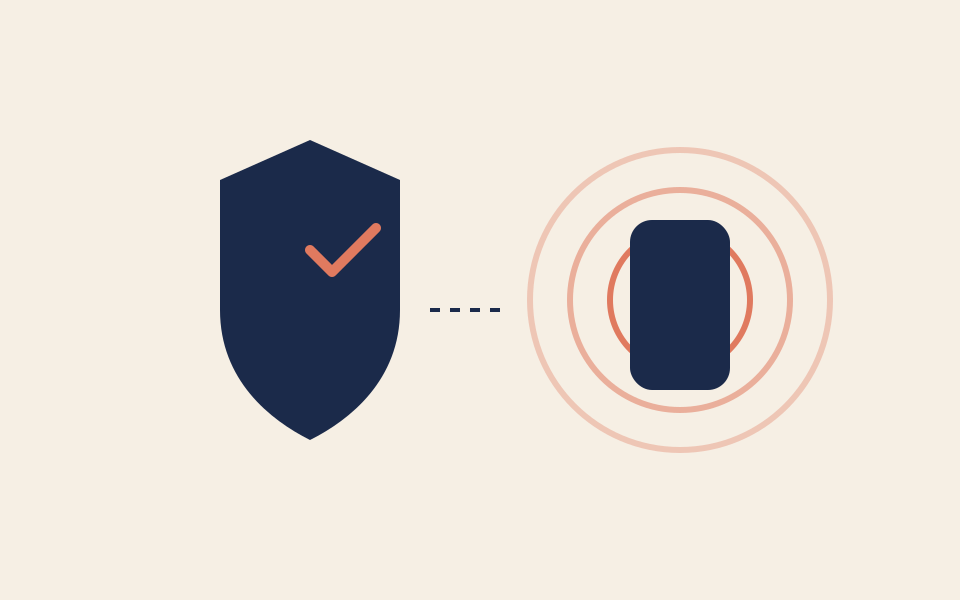
A shield and check connected to a ringing phone, a Google-guaranteed lead being answered

How the connection actually works

What actually happens

The LSA or the Google Business Profile publishes a number. That number forwards to Right On Call, or we answer it directly if Twilio owns the line. The agent picks up on the ring count you set (default is the first ring) and runs your script.

Why response time is the page

Google weights how fast you take the lead. A missed ring during advertised hours hurts placement and, under the 2026 rule, can still cost you the lead fee. Answering on the first rings is the cheapest way to protect a budget you are already spending.

What does not move

Nothing is written into Google. The call lands in your Right On Call dashboard, and in Jobber or your calendar if you have connected them. Message leads in the LSA inbox stay in the LSA inbox, and the agent never calls them back.

Daytime and after hours

During the day

If you pick up before the ring count runs out, the call is yours and Right On Call never hears it. If you are on a roof, the receptionist takes it and the lead is answered inside the window Google counts.

After hours

The ad can ring at any hour you have it scheduled. The receptionist answers every ring, triages emergency against routine, and books a real slot or texts your on-call number.

What setup looks like

There is nothing to connect inside Google. Setup is a phone change.

  1. Find the number the ad rings

    It is the business number on your Local Services profile. Leave it as it is.

  2. Choose how calls reach us

    Forward missed calls to the Twilio number included in your plan, publish that number, or port your number onto it. Forwarding is enough.

  3. Set the ring count

    Where Twilio owns the inbound call, the dashboard ring count decides how long your phone rings before the receptionist answers.

  4. Make a test call

    Call the number from a phone that is not yours and confirm the shop name, the postal-code check, and the booking text.

Limits and edge cases

  • The ring-count control only applies where Twilio owns the inbound call. On a plain carrier forward, your carrier decides how long it rings first.
  • A message lead has no phone call attached. It stays in the LSA inbox as it does today.
  • We cannot promise how Google classifies every edge case on its side.

This is for

  • HVAC, plumbing, electrical, and appliance shops in Ontario already buying Local Services Ads.
  • Owners who can see missed rings in the LSA report and are tired of paying for them.

This isn't

  • Shops that don’t run LSA and only want organic Google Business Profile calls. The same phone handoff still applies; you just won’t care about the billing rule.

What we won't claim

  • Log into Google Ads or the LSA partner dashboard.
  • File lead disputes or manage the Google Guaranteed / Google Screened badge.
  • Reply to LSA messages in the Google inbox. Calls only.
  • Guarantee first-place LSA ranking. We protect the call you already bought.

Google LSA questions

Will this stop Google billing me for missed LSA calls?

It stops the miss, which is the point. If the agent answers inside the window Google counts, the lead is a conversation instead of an unanswered ring. We cannot promise how Google classifies every edge case on their side.

Do I have to port the LSA number?

No. Forwarding is enough. Porting is only if you want Twilio to own the number so ring-count control and recording live in one place.

Does the agent say it is Google calling?

No. It answers as your shop. The caller tapped a Google ad. They expect the business, not a third-party brand.

Related integrations

All integrationsHow it worksKeep your numberSecurityPricing